

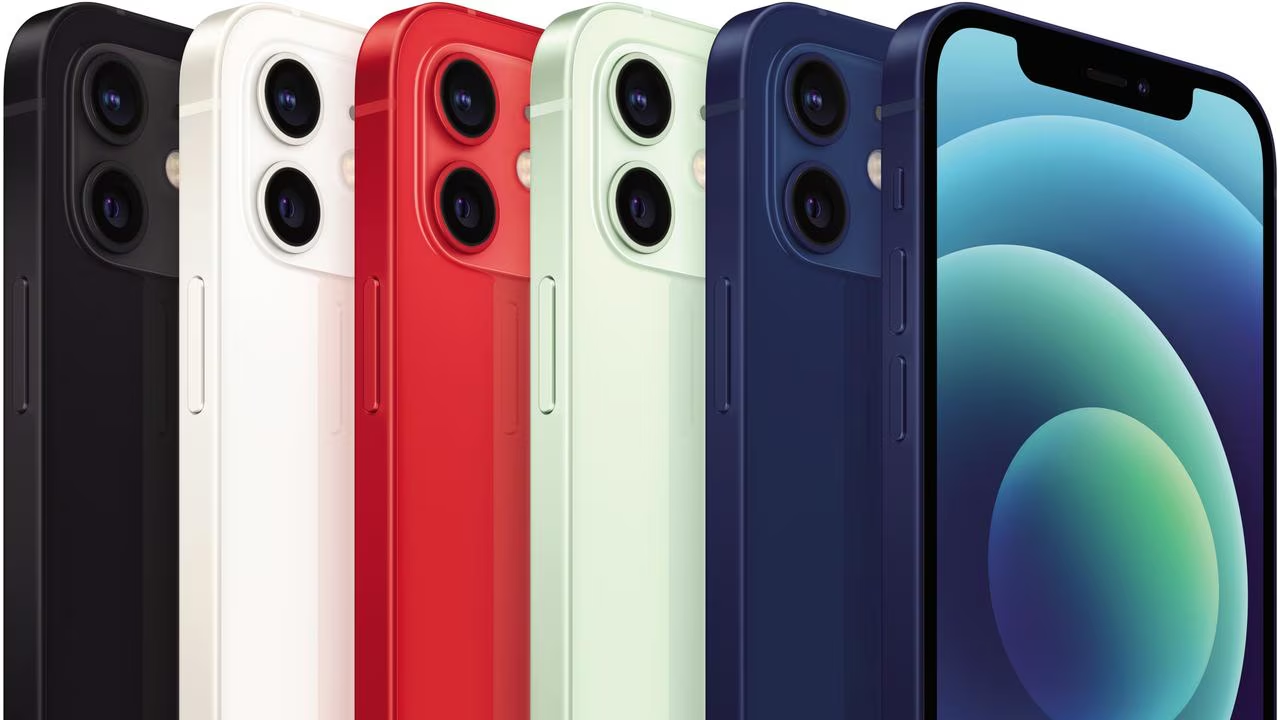
Apple has issued an urgent update for iPhone 12 users in Australia. This follows a confirmed technical failure that prevented some devices from connecting to emergency services. The issue occurred last week and specifically impacted users in regional areas.
 The company confirmed the problem in a formal support document. It stated that a failure in Australia’s mobile networks blocked some emergency calls dialing 000. Apple says the iOS 26.2 update provides a fix for this critical scenario.
What Happened and Who Is Affected
According to Apple, the failure happened when a user’s primary mobile network was unavailable. Even though an alternate network signal was present, some older phones could not connect the emergency call. This left affected Australians potentially unable to reach help.
The issue was isolated to a specific technical circumstance in Australia. Apple stated that mobile operators are now taking steps to prevent a repeat. However, the company warned there remains a low chance it could happen again without the software patch. This makes installing the update imperative.
Which iPhone Models Need the Update
Apple has clarified which devices are at risk. Only iPhone 12 models are confirmed to require the iOS 26.2 update for this specific fix. Newer models, from iPhone 13 and later, are not affected by this network failure.
iPhone XS, XR, and 11 models are also considered safe. If any earlier models are later found to be impacted, customers will be notified directly by their mobile carrier. For now, the guidance is clear: iPhone 12 owners in Australia should update immediately.
The situation underscores a rare but serious vulnerability in critical infrastructure. All iPhone 12 users in Australia should install the iOS 26.2 update without delay to ensure their device can connect to emergency services.
Info at your fingertips
Q1: Which iPhones need this emergency call update?
The update is specifically directed at iPhone 12 models in Australia. Apple states iPhone 13 and newer models, as well as iPhone XS, XR, and 11, are not affected by this particular issue.
Q2: How do I update my iPhone to the latest software?
Open the Settings app on your device. Then, tap ‘General’ and select ‘Software Update’. Follow the on-screen prompts to download and install iOS 26.2.
Q3: What exactly did the technical failure cause?
It prevented some phones from connecting emergency calls to 000 when the primary mobile network was down. The call failed even if a different carrier’s network signal was available and should have worked.
Q4: Is this problem likely to happen again?
Apple says mobile operators have taken mitigation steps. However, the company acknowledges a low chance it could reoccur, which is why the software update is so important for vulnerable devices.
Q5: Were other phone brands also affected?
Apple’s document does not comment on other brands. However, recent news reports have described similar network issues affecting some Samsung phone users in Australia under the same conditions.
iNews covers the latest and most impactful stories across
entertainment,
business,
sports,
politics, and
technology,
from AI breakthroughs to major global developments. Stay updated with the trends shaping our world. For news tips, editorial feedback, or professional inquiries, please email us at
[email protected].
Get the latest news and Breaking News first by following us on
Google News,
Twitter,
Facebook,
Telegram
, and subscribe to our
YouTube channel.


