Apple’s iPad has transformed into a powerful productivity machine. Users now rely on it for work, school, and personal organization. This has created high demand for the best iPad productivity apps to streamline tasks.
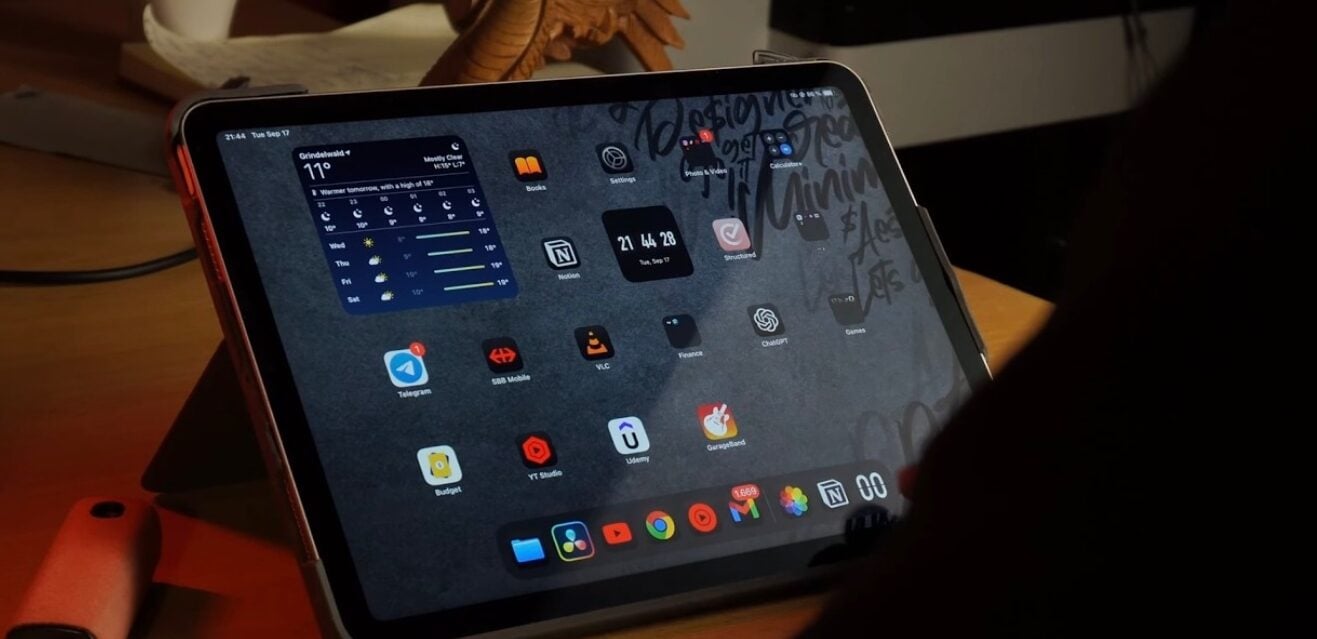
Finding the right apps can unlock your device’s full potential. We have compiled a list of top-rated tools available now. This guide focuses on apps that organize, focus, and enhance your daily workflow.
Revolutionizing Note-Taking and Planning
GoodNotes remains a top choice for digital note-taking. It seamlessly blends handwritten notes with typed text and images. The app is perfect for students and professionals who use an Apple Pencil.
You can create digital notebooks for any purpose. The app supports audio recording synced to your writing. According to TechCrunch, Apple’s push for tablet productivity has fueled such app development.
Notability offers a similar powerful note-taking experience. It allows for audio recordings and document annotation. The app can search through handwritten text, which is a major time-saver.
Both apps use AI to help summarize notes. They turn the iPad into a dynamic digital notebook. This moves far beyond the capabilities of simple paper.
Mastering Task Management and Organization
For managing to-do lists, TickTick and Todoist are excellent. They help users track both professional and personal tasks. These apps sync across all devices for seamless access.
TickTick includes a focus timer based on the Pomodoro Technique. It helps break work into productive intervals. You can also turn emails directly into actionable tasks.
Todoist uses natural language for quick task entry. Trello offers a visual, board-based system for project tracking. It uses cards and lists to mirror physical planning methods.
These tools centralize your responsibilities. They prevent important items from slipping through the cracks. Effective task management is crucial for modern productivity.
Eliminating Distractions for Deep Work
Staying focused is a common challenge. The Forest app addresses this with a unique, gamified approach. You plant a virtual tree that grows as you focus.
If you leave the app, the tree withers. This simple visual encourages sustained concentration. Over time, you build a forest representing your productivity.
The Freedom app takes a more direct approach. It blocks distracting websites and apps across all your devices. You can schedule blocking sessions in advance.
Both apps address the core need for uninterrupted work time. They help users reclaim their attention in a noisy digital world. This leads to higher quality output and less stress.
Choosing the right iPad productivity apps can fundamentally change how you work. These tools help organize tasks, capture ideas, and protect your focus. Invest time in setting them up to truly transform your iPad into a productivity powerhouse.
A quick knowledge drop for you
What is the best free iPad productivity app?
Many top apps like Todoist and TickTick offer robust free plans. Notion also provides a powerful free tier for personal use. These are great starting points before committing to a paid subscription.
Do these apps sync with iPhone and Mac?
Yes, almost all modern productivity apps are cross-platform. They sync seamlessly via the cloud. This ensures your tasks and notes are always up-to-date on every device.
Which app is best for students?
GoodNotes and Notability are exceptional for students. They handle note-taking, textbook annotation, and lecture recording. Their organization features keep semester materials neatly sorted.
Can these apps help with team collaboration?
Apps like Notion, Trello, and Todoist have strong sharing features. They allow you to assign tasks, share boards, and edit documents together. This makes them ideal for group projects or work teams.
Are there apps to help with meal planning?
Crouton is a dedicated app for organizing recipes and grocery lists. It helps streamline meal planning and cooking. This saves significant time and reduces weekly stress.
iNews covers the latest and most impactful stories across
entertainment,
business,
sports,
politics, and
technology,
from AI breakthroughs to major global developments. Stay updated with the trends shaping our world. For news tips, editorial feedback, or professional inquiries, please email us at
[email protected].
Get the latest news and Breaking News first by following us on
Google News,
Twitter,
Facebook,
Telegram
, and subscribe to our
YouTube channel.