Google Home version 4.8 is rolling out with a targeted fix for long-running camera playback errors and a broader expansion of automation controls. The update is now available through the Google Home app on supported devices.
The release focuses on improving reliability for Nest camera users while quietly expanding what can trigger automations inside the app. Both changes address issues that users have raised for months.
Google Home Version 4.8 targets camera playback reliability
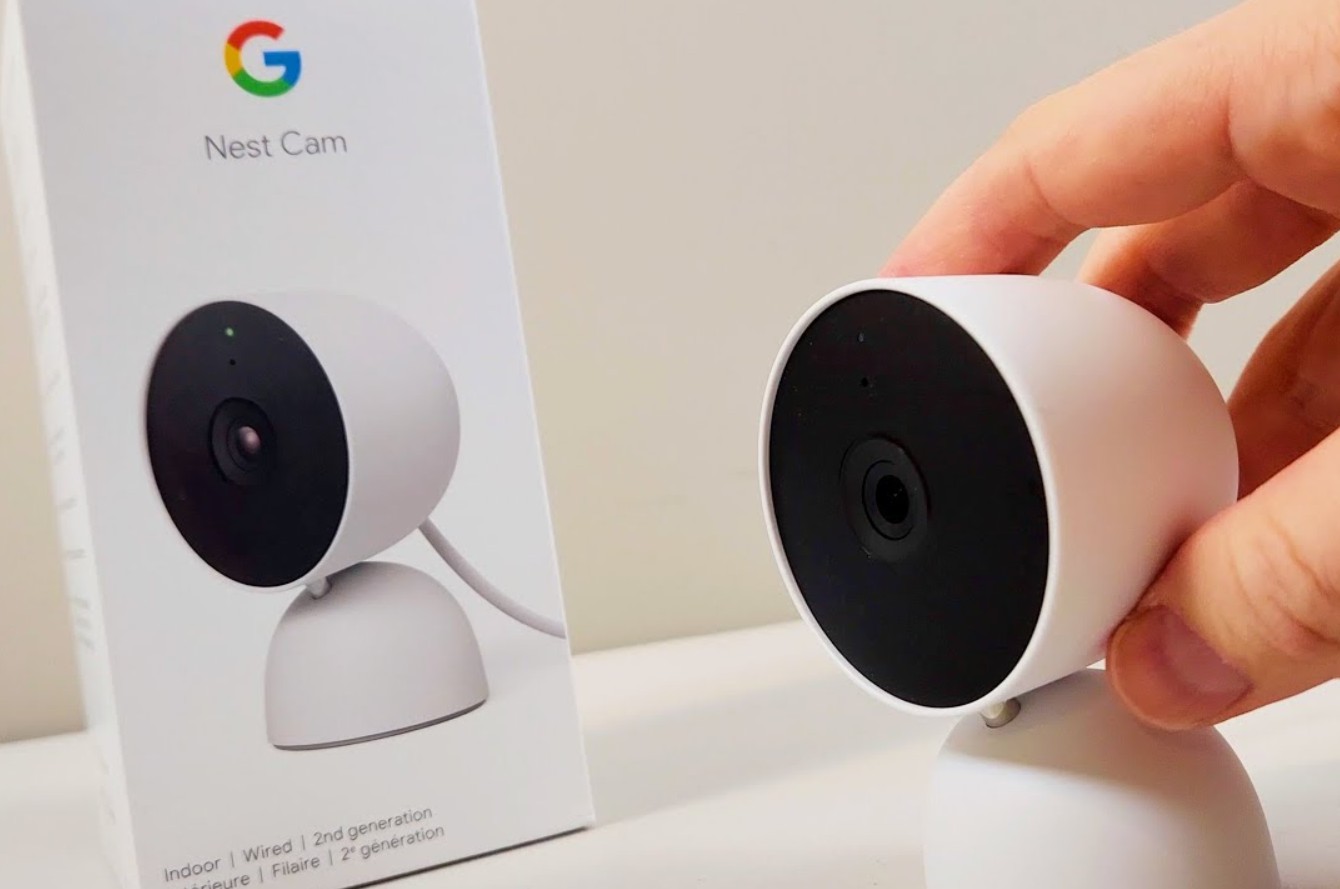
The most visible change in Google Home version 4.8 is a fix aimed at reducing the “Video not available” error that appears when opening recent camera clips. This issue often surfaced when users tapped notifications shortly after an event was recorded.
Google describes the change as a foundational improvement to “close-to-live” playback. In practice, this means the app is now better at loading freshly recorded clips without failing or forcing repeated retries.
The fix applies to Nest cameras accessed through the Google Home app, including situations where users jump directly from notifications into footage. For many households, this has been one of the most disruptive reliability problems in daily use.
Automation controls expand with smart button support
Alongside the camera fix, Google Home version 4.8 expands automation starters inside the app’s automation editor. Users can now trigger routines using physical buttons and switches with support for single press, multi-press, and long-press actions.
The update also introduces new condition options tied to device states. These include humidity thresholds, robot vacuum docking status, and battery levels for compatible devices.
Google has added more binary state checks as well. Supported sensors can now trigger automations based on clear on or off conditions, such as open versus closed windows or leak versus no-leak readings.
Current limitations and uneven device support
Not all new features in Google Home version 4.8 behave consistently across every smart home setup. Some button-based automations appear to depend heavily on device ecosystems and connectivity quality.
The new starters and actions are limited to the standard automation editor. They are not yet supported by the app’s AI-assisted automation tools, which remain restricted to simpler workflows.
There are also reports of inconsistent behavior with certain third-party Matter buttons, particularly in mixed device environments. These issues appear related to setup and network conditions rather than the automation logic itself.
Google Home version 4.8 focuses on practical fixes rather than visual changes, addressing reliability first while gradually expanding automation depth. For users who rely on cameras and physical controls, this update marks a meaningful step forward.
FYI (keeping you in the loop)-
What does Google Home version 4.8 fix?
The update reduces camera playback failures when opening recent clips. It also improves how quickly newly recorded footage loads from notifications.
Does Google Home version 4.8 add new automation triggers?
Yes. The update adds smart button presses, device battery states, humidity levels, and robot vacuum docking as automation starters.

Follow iNews Zoombangla On Google
Open the Google follow page and tap the checkmark option to receive more updates from iNews Zoombangla in your Google news feed.