Google’s September Android Drop brings several new phone features, including a Gemini connection to Find Hub. Google says users will soon be able to tell Gemini where they placed items such as keys, a passport or important papers. Android Central and Ars Technica reviewed the rollout and its early availability details.
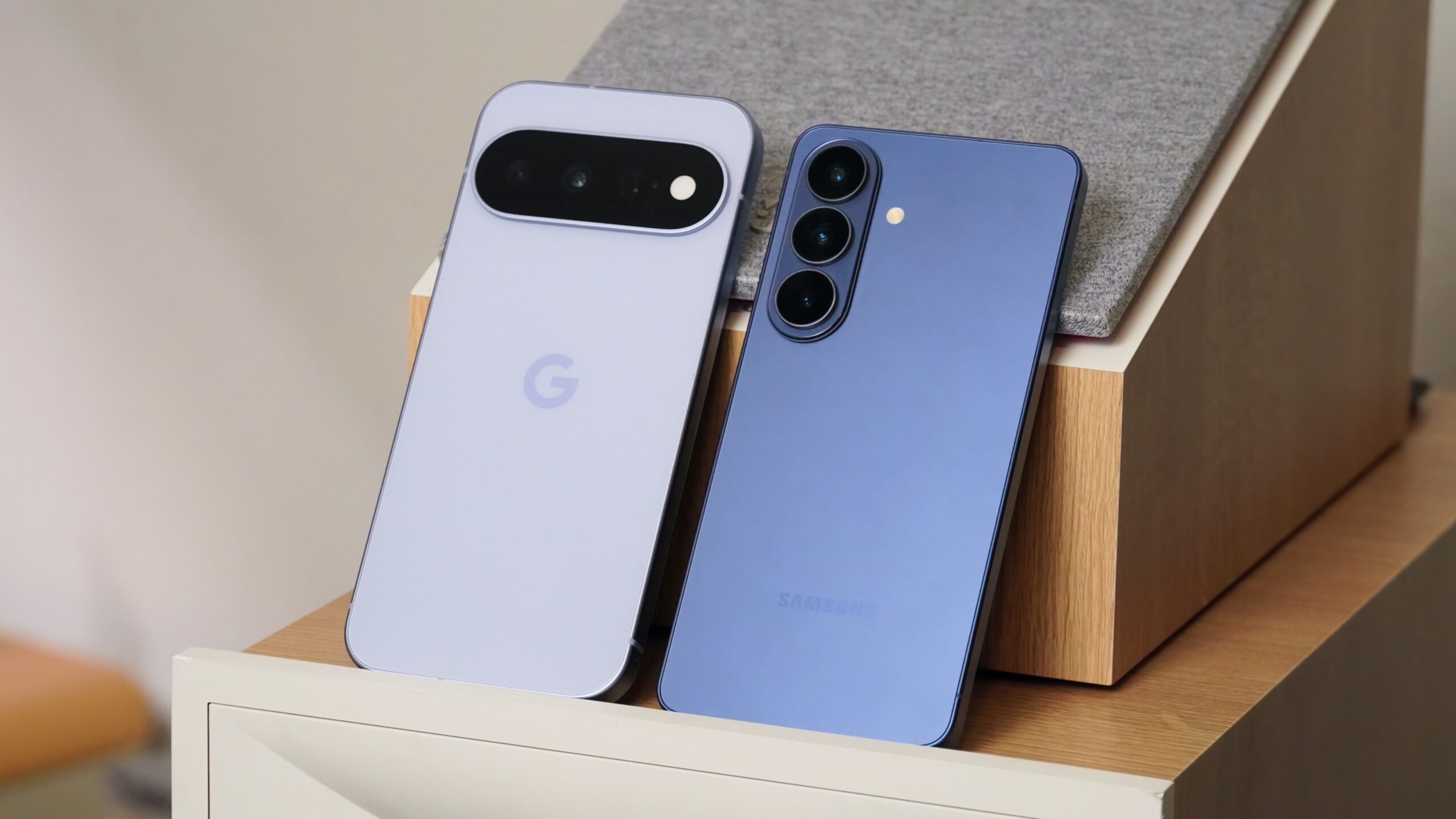
The remembered-items feature is aimed at objects that do not carry a Bluetooth tracker. A user can ask Gemini to record where an item was left and may add a photo for context. Google says the information will appear in a remembered-items area in Find Hub, where it can be checked later.
Google lists Android 16 or newer as the requirement for remembered items. Gemini and Find Hub also need to be available in the user’s country and language. The rollout is not the same as a universal Android update, so a compatible phone may still have to wait for the service to reach its account.
The Drop also adds Guided vision through Gemini Live. Google says people can share their camera to hear descriptions of nearby objects, fine print or a menu. The tool was designed with blind and low-vision communities in mind. Google warns that Guided vision can make mistakes and is not a medical device or a substitute for safe navigation.
Another feature is Motion Assist on Android 17. It adds a moving bubble overlay that follows the motion of a vehicle. Google says the visual cue is designed to reduce the mismatch between what the eyes see on a phone and what the body feels during a ride. Users can place the feature in Quick Settings or set it to activate automatically.
Google Messages is also gaining a Google Keep connection. People can create and edit shared notes from a conversation, which could help with shopping lists or trip planning. Custom chat themes add per-conversation backgrounds and colors. These features are separate from the Gemini tools but arrive in the same Android Drop.
The update shows Google using AI for small, practical tasks instead of limiting Gemini to question answering. Remembered items and Guided vision may be useful when the right information is hard to type or search. They also make privacy, permissions and error handling part of the everyday user experience.
Google’s Android blog is the primary source for the feature list and availability notes. Android Central and Ars Technica provide independent coverage of the rollout. Users should check their device settings and Google’s regional availability pages before expecting every feature to appear immediately.

Follow iNews Zoombangla On Google
Open the Google follow page and tap the checkmark option to receive more updates from iNews Zoombangla in your Google news feed.