Google is bringing a small but useful collaboration shortcut to Messages. As part of the September Android Drop, the company says users can create and edit Google Keep notes directly inside a conversation. The feature is aimed at shared lists and plans that normally require people to leave a chat, open another app and then return to the thread.
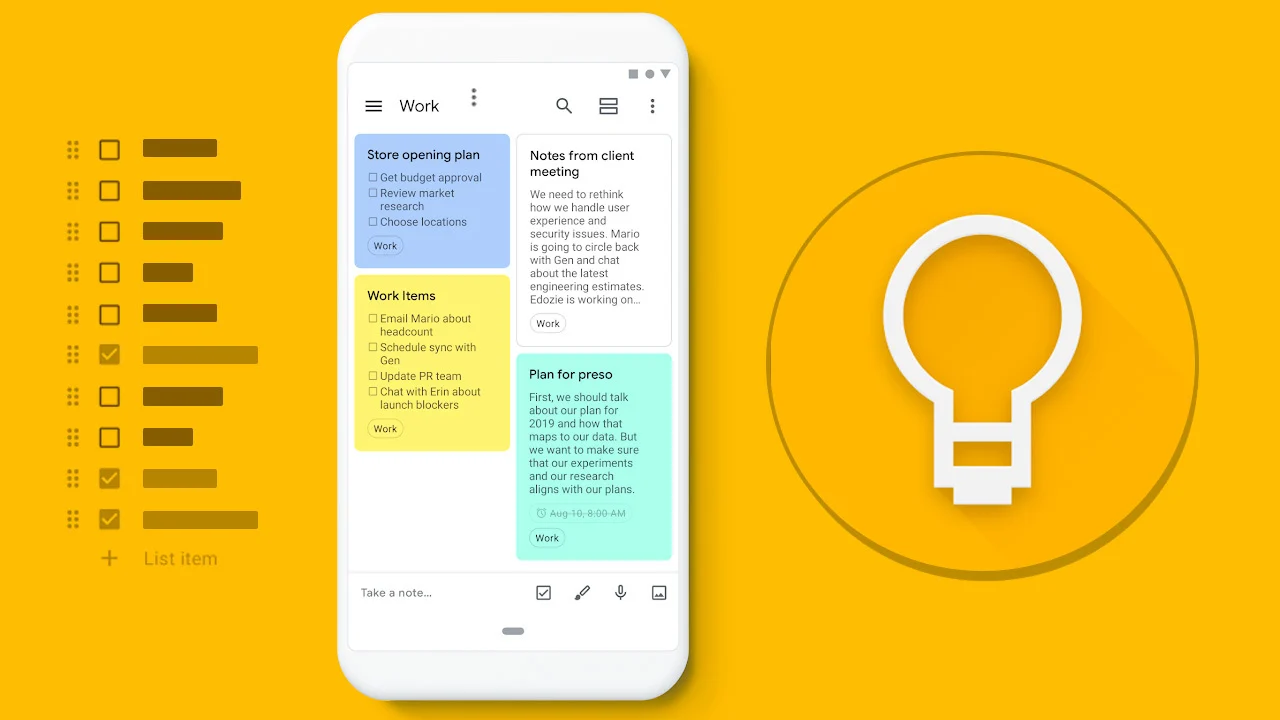
A user can use the plus button in Google Messages to bring Keep into the conversation. Participants can then view, edit and add ideas to a shared note. Google highlights examples such as grocery lists and vacation notes, but the same format could work for household chores, event planning or a group project.
The benefit is less about a new note-taking system and more about reducing the number of app switches. A list that stays connected to the chat can keep the context close to the people who are discussing it. It may also make small changes easier to spot because the latest version lives in one shared note rather than being copied through separate messages.
Shared editing still requires care. People should confirm who has access before adding private information, and a collaborative note should not be treated as a formal record unless the group manages it that way. The feature also depends on Google Keep and Messages availability, account settings and the Android rollout.
Google says the rollout starts in Google Messages as part of the September update. It does not mean every Android phone will receive the feature at the same time. Users may need an updated Messages app and a supported Google account before the option appears.
The change shows how mobile software is increasingly connecting tools that were once separate. A conversation can now serve as the starting point for a shared checklist, while Keep provides the editable space behind it. That is a modest change, but it could save time for users who already rely on both apps and want a cleaner way to turn chat into action.