The M6 vs M5 Pro Mac mini decision is becoming clearer as Apple’s compact desktop receives fresh buyer-guide coverage. MacRumors has compared the two configurations, while Apple’s launch material outlines the processors and connectivity. The key question is not simply which chip is faster. It is how long the computer will spend under heavy workloads, how much storage the user needs and what the complete desk setup will cost.
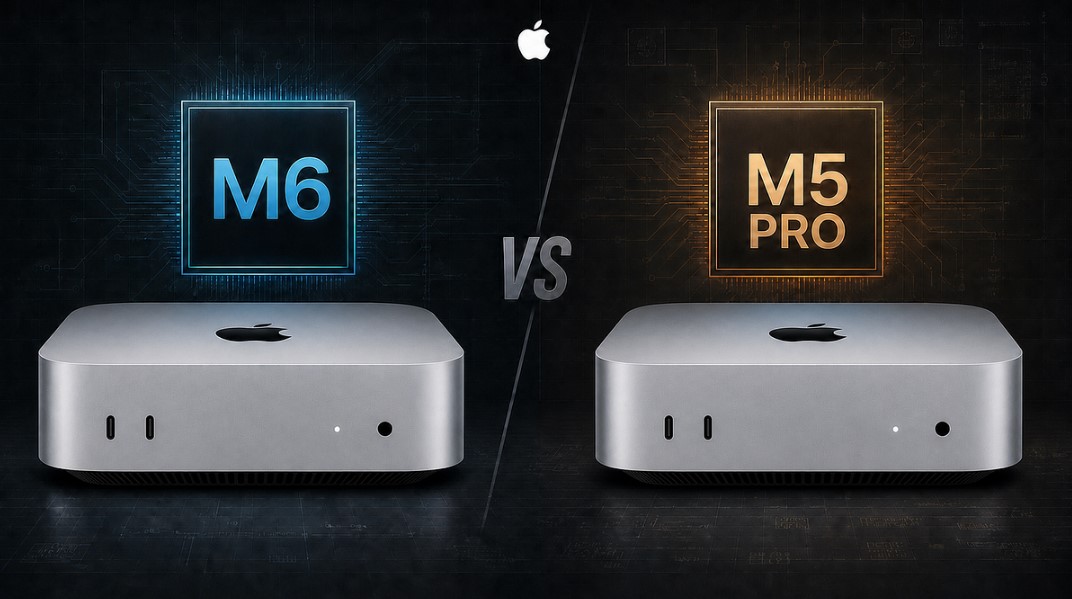
Apple positions the regular M6 Mac mini for general desktop work and the M5 Pro version for more demanding professional tasks. Both are small computers that need an external monitor, keyboard, mouse and usually a separate backup drive. That gives the platform a tidy footprint, but it also means the advertised computer price is not the same as the price of a ready-to-use workstation.
A stronger processor matters most when a workload stays busy. Video exports, software builds, 3D work, large photo libraries and local AI tasks can keep CPU, GPU or neural workloads active for long periods. The M5 Pro may have more headroom for those jobs, but Apple’s launch comparisons are based on selected tests. Results will vary with memory, application support, cooling and the exact files being processed.
The standard M6 configuration can still be the better fit for many people. Office apps, web work, coding projects, photo editing and everyday media do not all need the highest tier. Paying for extra performance makes less sense if the computer spends most of its time waiting for a browser tab or a cloud service. Buyers should identify the slow task they want to fix before paying for a chip upgrade.
Storage deserves the same attention as the processor. MacRumors’ buyer-guide coverage puts capacity among the most important choices because internal storage is difficult to expand after purchase. External SSDs can reduce the cost of a large media library or project archive, but active files are more convenient on the internal drive. People working with video, games or AI models should price the storage they will actually use rather than choosing the cheapest starting configuration.
Connectivity adds flexibility but does not remove those trade-offs. Apple highlights Wi-Fi 7, Bluetooth 6 and 2.5Gb Ethernet on the updated Mac mini. Those connections can support a fast network and modern accessories, but real transfer rates depend on the router, cable, storage device and traffic. A buyer who wants a multi-drive editing setup should check the port layout and available bandwidth before ordering.
The M6 vs M5 Pro Mac mini choice therefore belongs to the workload, not the benchmark headline. The M6 is the sensible starting point for a compact everyday desktop, while the M5 Pro is easier to justify when sustained compute is part of the job. Before buying, users should total the computer, memory, storage, display and accessories, then compare that figure with a notebook or a larger desktop. That process offers a more reliable answer than assuming the most expensive chip is automatically the best value.

Follow iNews Zoombangla On Google
Open the Google follow page and tap the checkmark option to receive more updates from iNews Zoombangla in your Google news feed.