Apple has released tvOS 27 as a free update for compatible Apple TV 4K devices. The software became available on September 14, 2026, after several months of beta testing and arrives with interface changes, performance improvements and a narrower hardware-support list.
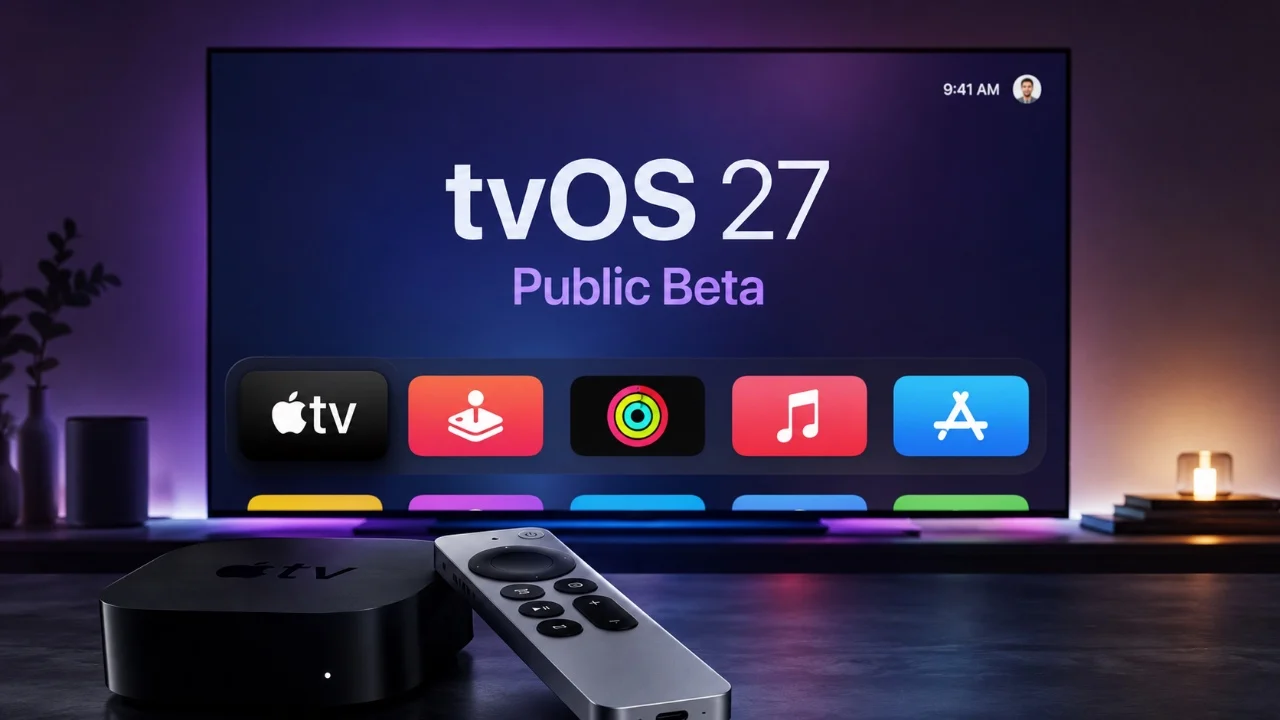
MacRumors reports that the update can be installed from the Apple TV Settings app by opening System and then Software Update. Apple TV owners who use automatic updates can receive tvOS 27 without starting the installation manually. Apple Developer’s release record lists the final tvOS 27.0 build as 24J361 on September 14.
The update redesigns the Podcasts app and adds options for larger text and customizable subtitles. Those changes give viewers more control over how information appears on the television screen, especially when they are reading descriptions or following spoken content from a distance.
tvOS 27 also makes the Control Center more responsive. MacRumors says AirPlaying from another Apple device is faster, while apps open more quickly and animations feel smoother. These are system-level changes rather than a new Apple TV service, so their effect should be visible across supported apps and common navigation tasks.
The release has a clear compatibility cutoff. tvOS 27 supports the second- and third-generation Apple TV 4K models, but it does not support the Apple TV HD or the first-generation Apple TV 4K. Owners of those older devices will remain on the previous supported tvOS line instead of receiving the new release.
Apple previewed tvOS 27 at WWDC26 as part of a larger software cycle covering its major platforms. The company’s announcement described the fall software releases as free updates and included Apple TV among the platforms receiving new system improvements. That earlier announcement provided the product context, while the final developer release record confirms the public version is now available.
For supported Apple TV 4K owners, the practical decision is whether to install immediately or wait for a convenient time. Users who rely on larger text, subtitle controls, Podcasts or AirPlay may notice the changes most directly. People with an Apple TV HD or first-generation Apple TV 4K should not expect the Settings app to offer tvOS 27 because those models are outside the published compatibility list.
Apple TV owners can check their model and current software from Settings before updating. If the device is eligible, the Software Update screen provides the official installation path. If it is not eligible, the absence of tvOS 27 is a compatibility limitation rather than a failed download.