Apple’s iOS 27 adds a small control for people who often hit the dictation button in Messages by mistake. MacRumors reported that users can now hide the button from the conversation screen, reducing the chance that a stray tap starts listening or interrupts audio.
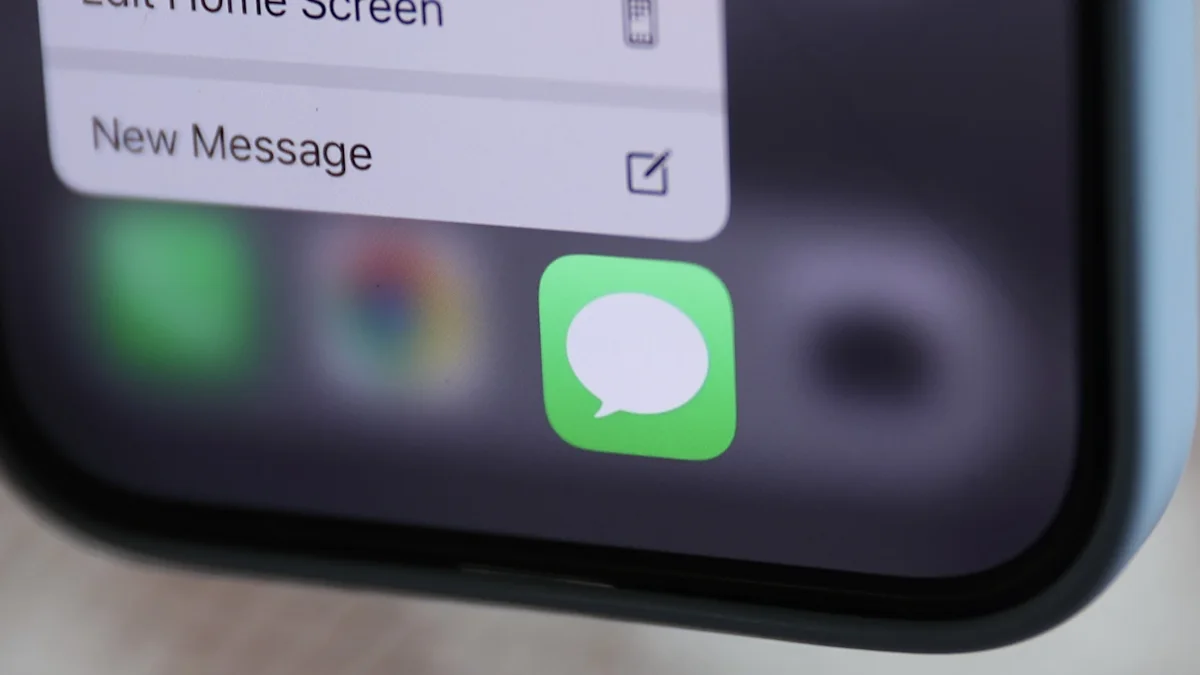
The button sits close to the send arrow in the Messages interface. On a small phone screen, that placement can make it easy to touch the wrong control while sending a message. The problem is especially noticeable when a user is moving quickly through a conversation or holding the phone in one hand.
Removing the button does not disable dictation across the iPhone. It changes the Messages layout so that the control is no longer displayed next to the compose field. People who use voice input regularly can keep the button available, while those who never use it can clear the space.
The change is part of iOS 27’s broader focus on small interface adjustments. Apple has added several options that let users decide how frequently used controls appear. These settings do not change the core messaging service, but they can make the screen feel less crowded.
Users should review the Messages settings before changing the layout. The exact location of the option may vary with the iPhone language and the version of iOS installed. If dictation is needed later, it can be restored through the same settings area rather than by reinstalling Messages.
The feature is most useful for people who have experienced an accidental voice recording or an interrupted song after touching the microphone control. It will not prevent every mistaken tap, because the send button and keyboard remain in the same general area. It simply removes one control from a high-traffic part of the screen.
iOS 27 therefore gives Messages users another way to tailor the compose interface. Hiding the dictation button is a minor change, but it addresses a specific annoyance without affecting messages, conversations or the underlying voice-input feature elsewhere on the phone.